IN A LIVE GAME · GOAT OF THUNDER
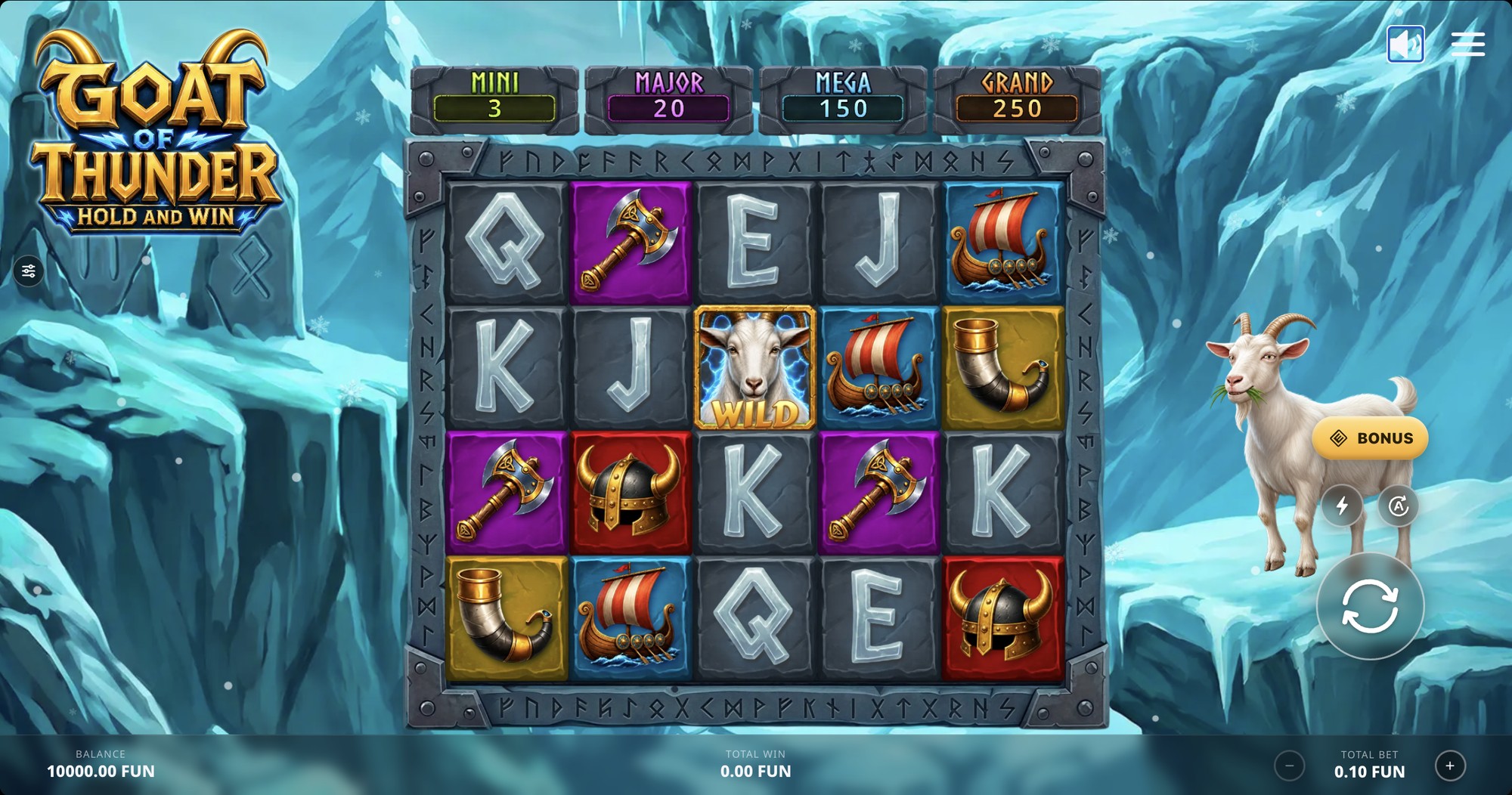
The redesign as implemented in Goat of Thunder, desktop layout. The artwork stays visible through and around the controls.

A redesign of the shared in-game interface used across a portfolio of online slot games: the controls, dialogs and menus a player uses on every spin. One principle guided every decision — the interface should support the game, not compete with it.
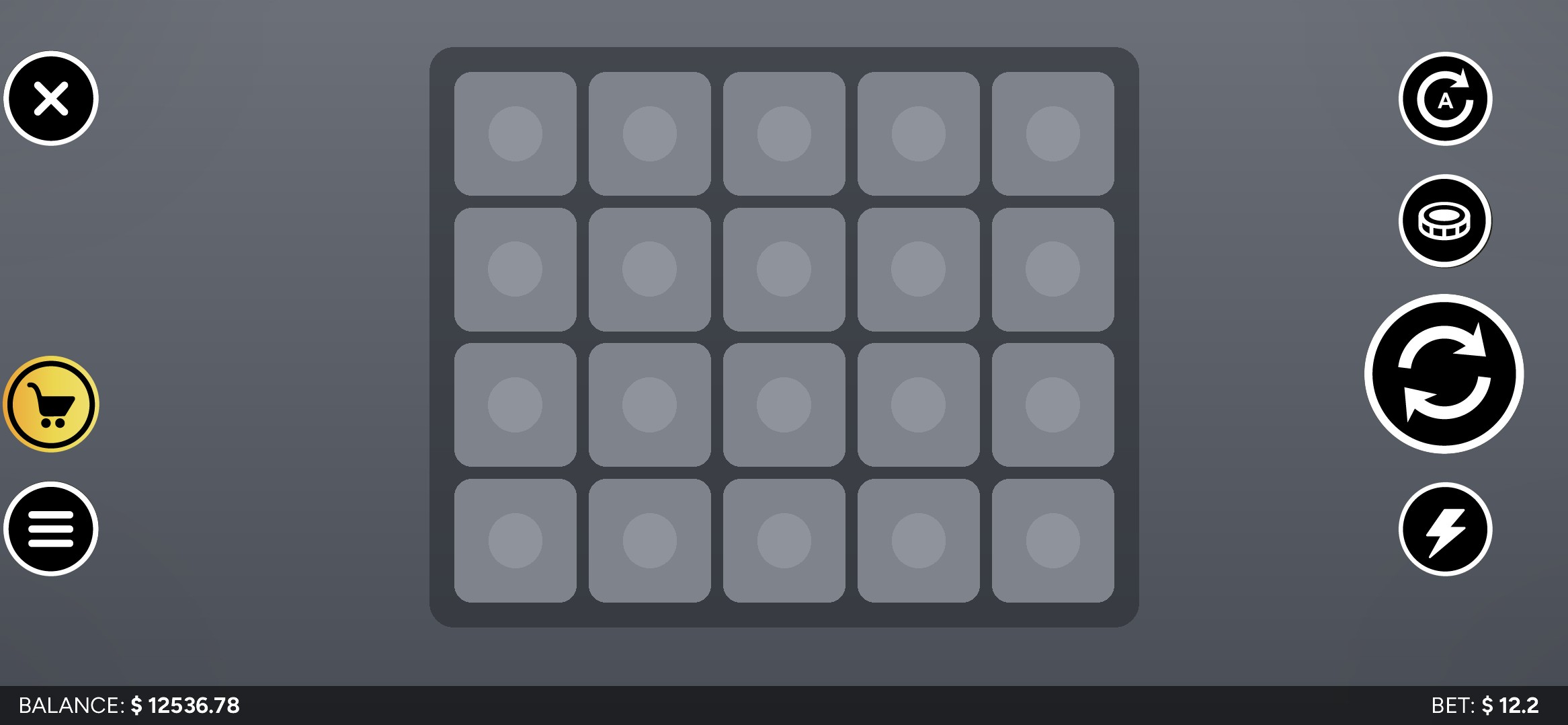
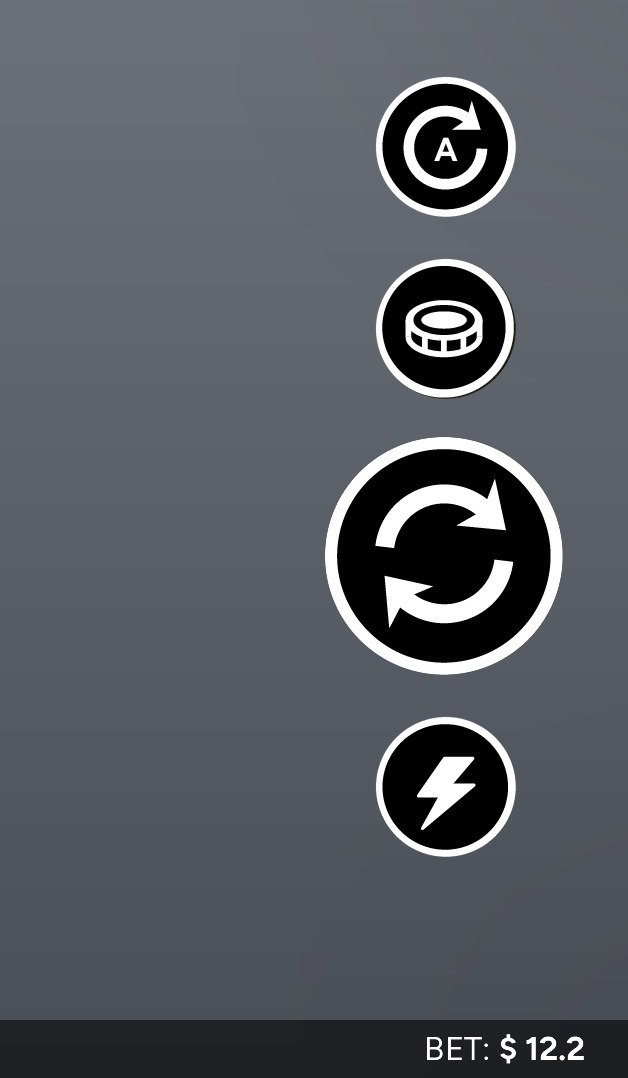
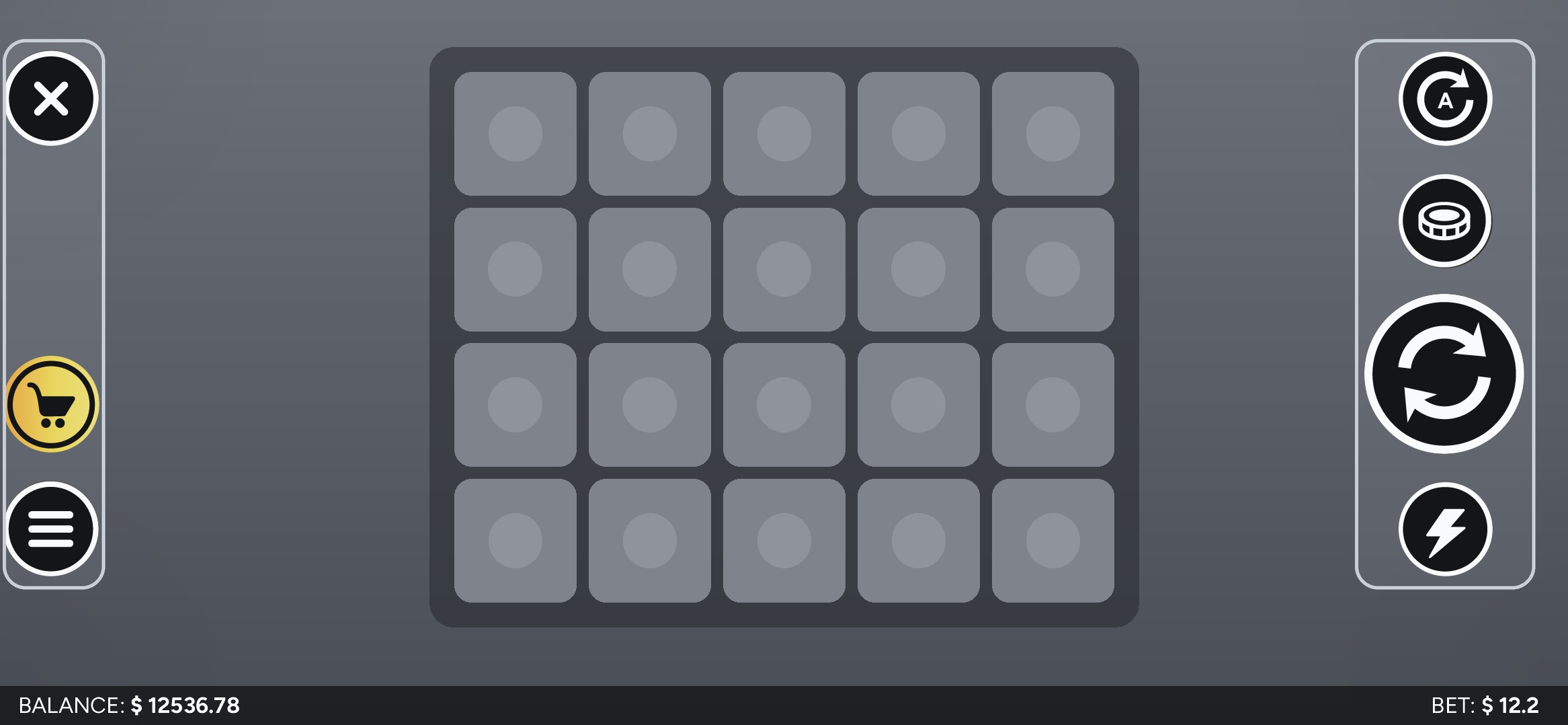
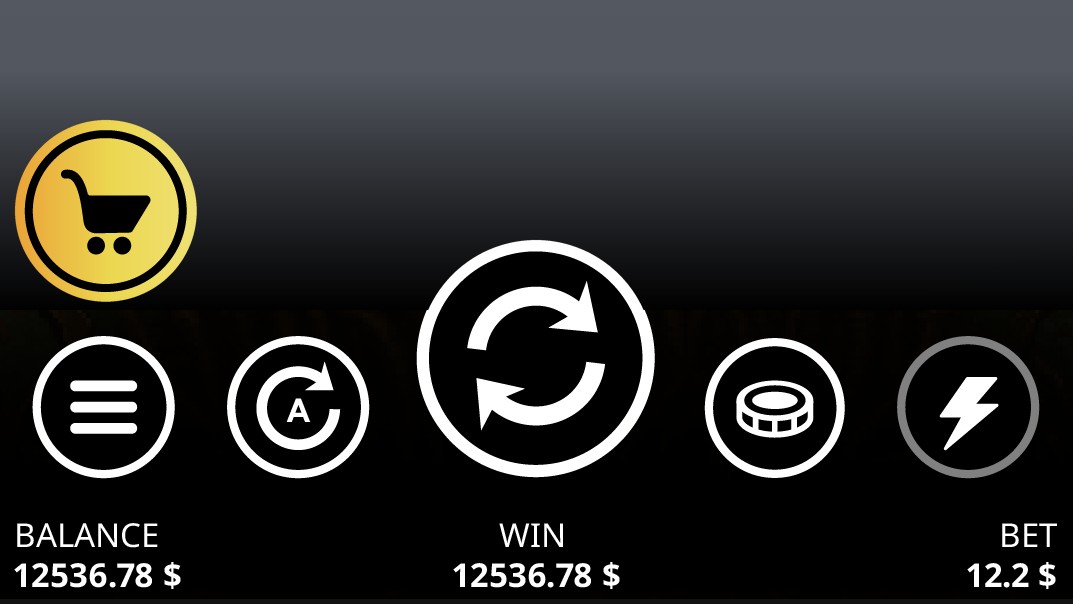
BEFORE is the original interface inherited from the studio. AFTER is my redesign. Both are shown on the same neutral background instead of a specific game; values are illustrative.
 1223456
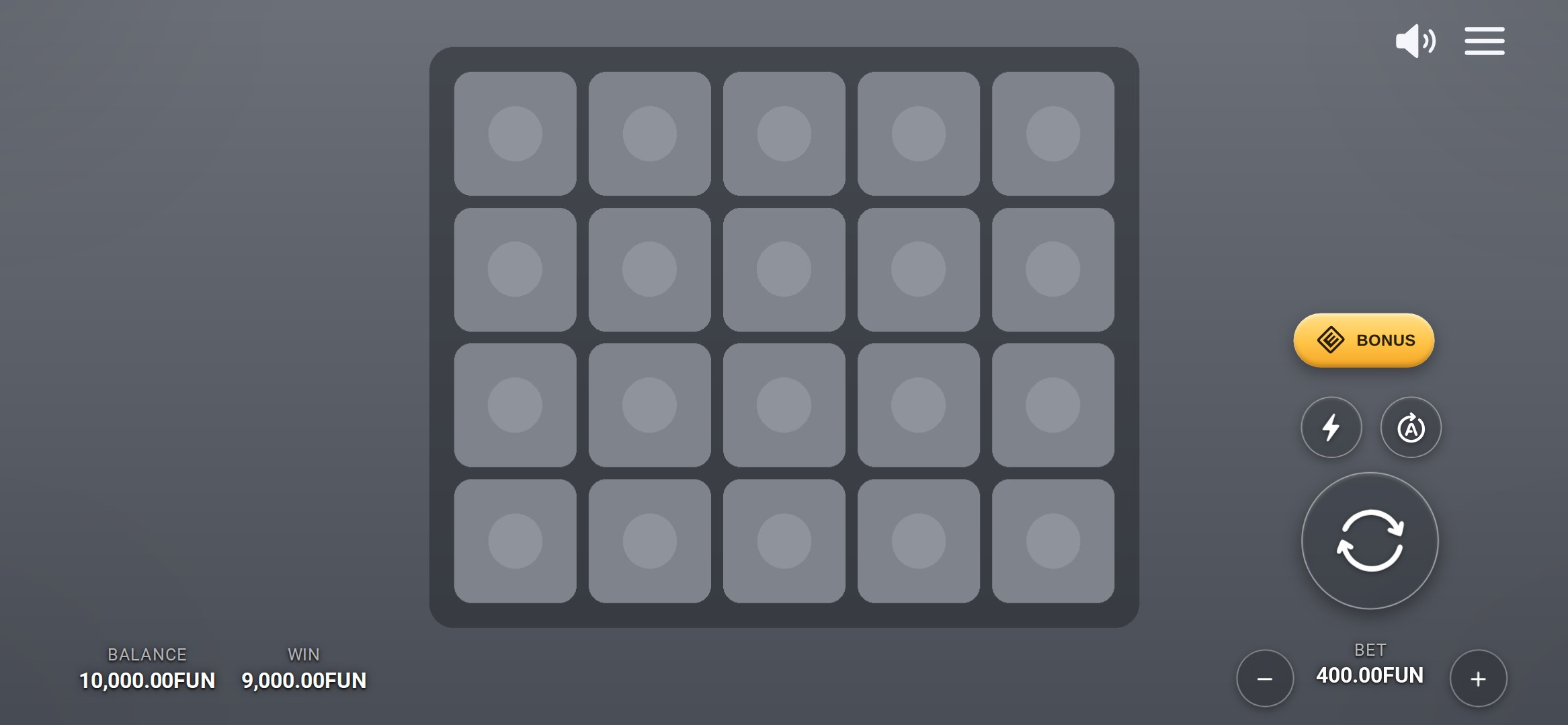 123456
Opaque black controls
→1Translucent glass controls
Controls scattered across both edges
→2Main controls grouped on the lower right
No clear button hierarchy
→3Clear size hierarchy and one accent colour
Solid bottom information bar
→4Values placed directly on the game artwork
Bet adjustment hidden in a separate menu
→5Bet steppers directly below Spin
Sound control inside Settings
→6Sound toggle in the top corner
The goal was to keep the game itself in focus. I designed subtle, translucent controls that blend into the artwork without sacrificing usability. A clear hierarchy puts Spin first as the primary action, while less frequently used features like Turbo and Autoplay remain accessible but understated. The Bonus Buy button stands apart in both colour and shape, giving this paid feature extra visibility and encouraging players to explore it.
IN A LIVE GAME · GOAT OF THUNDER
The redesign as implemented in Goat of Thunder, desktop layout. The artwork stays visible through and around the controls.
DETAIL
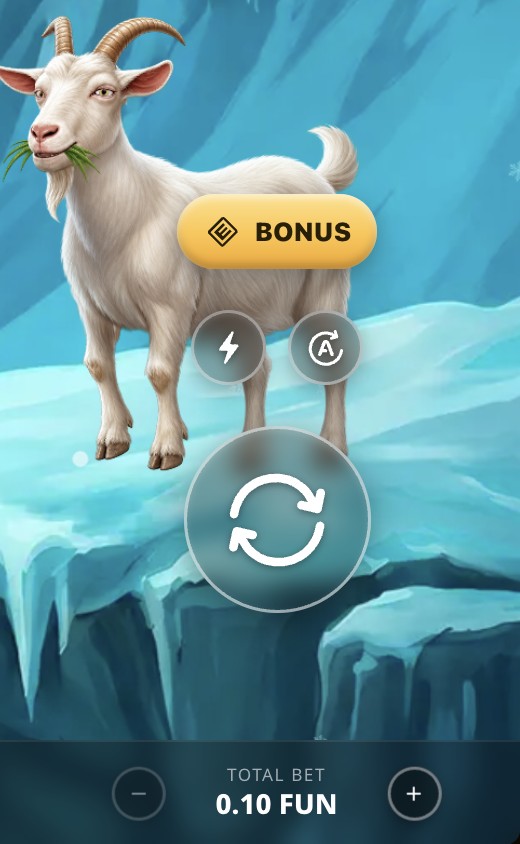
I designed the control layout around one-handed gameplay. In landscape mode, the main actions are grouped within easy reach of the right thumb, allowing players to spin, adjust their bet and access key features without changing their grip or using a second hand. Less frequently used controls, like sound and settings, stay separate to keep the main gameplay area clean and intuitive.
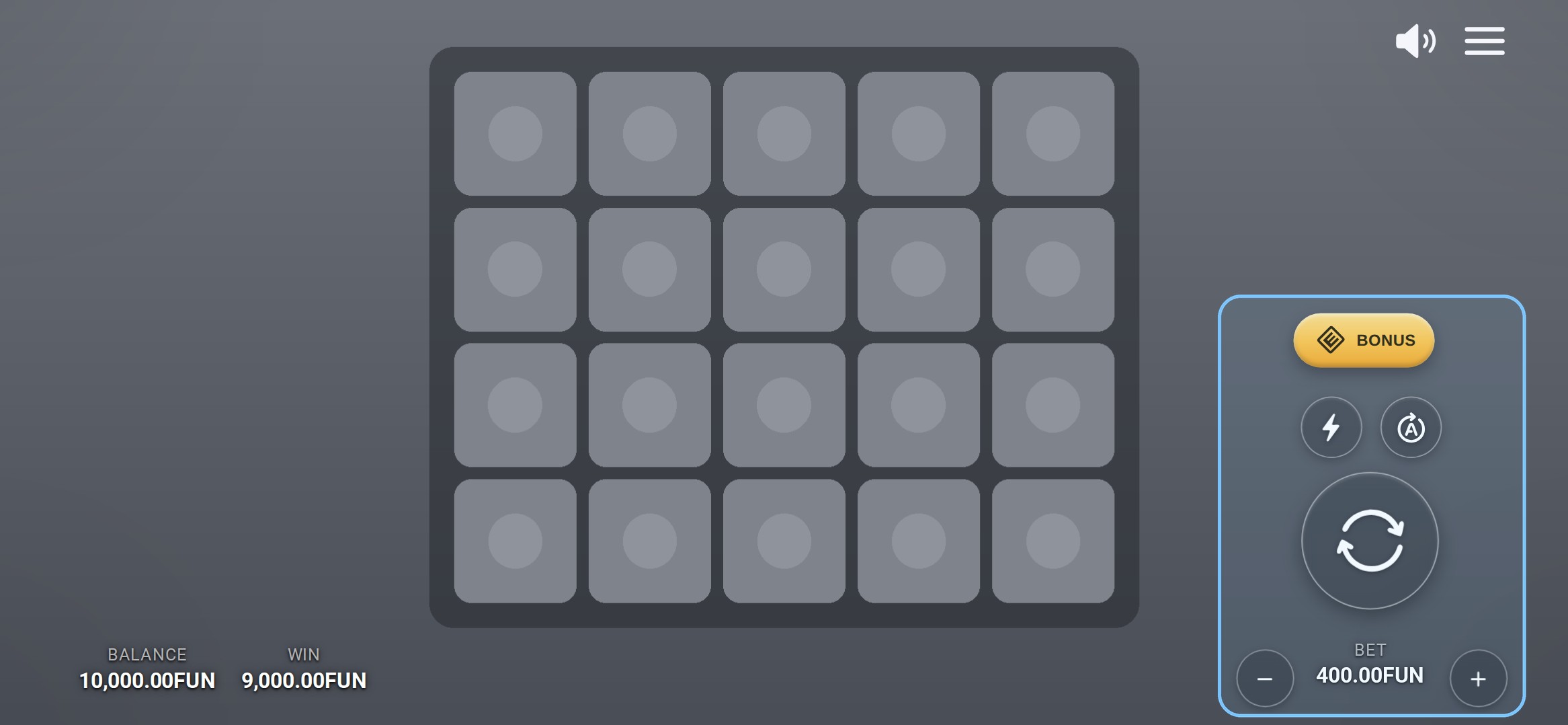
In the original, sound could only be changed inside Settings. I added a sound toggle to the main screen, so players can mute or unmute without opening a menu.
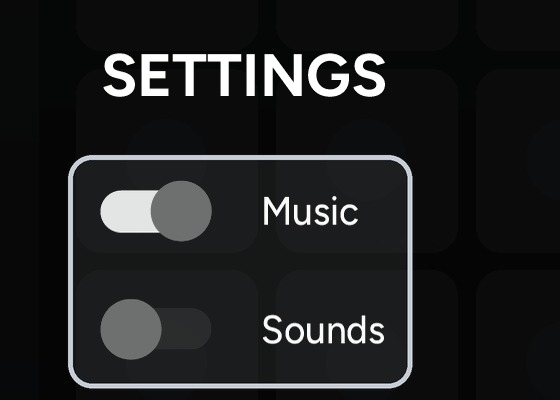
Sound toggles inside the Settings menu.

A sound toggle on the main screen.
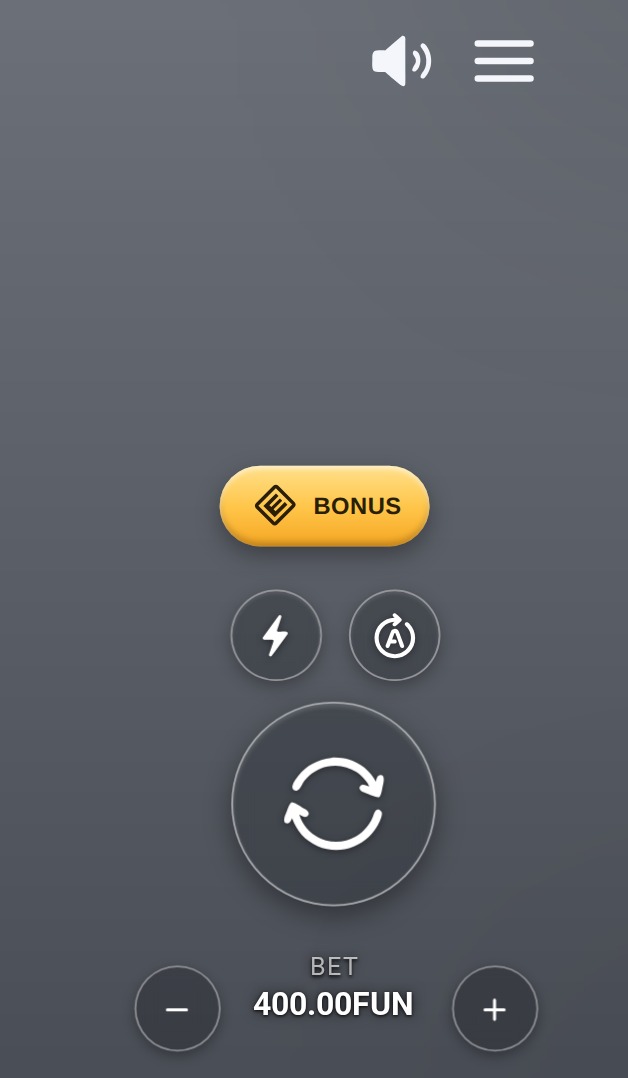
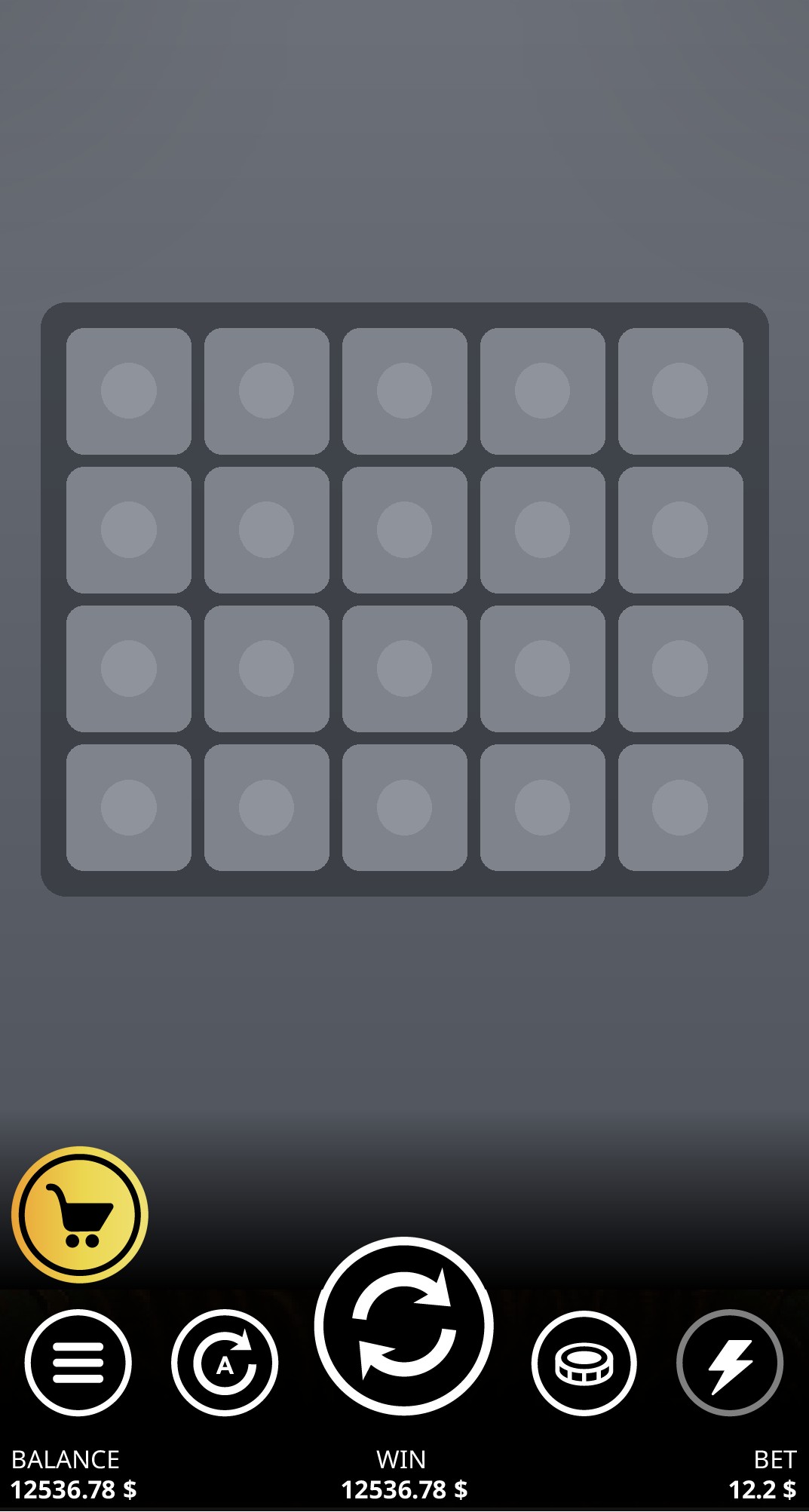
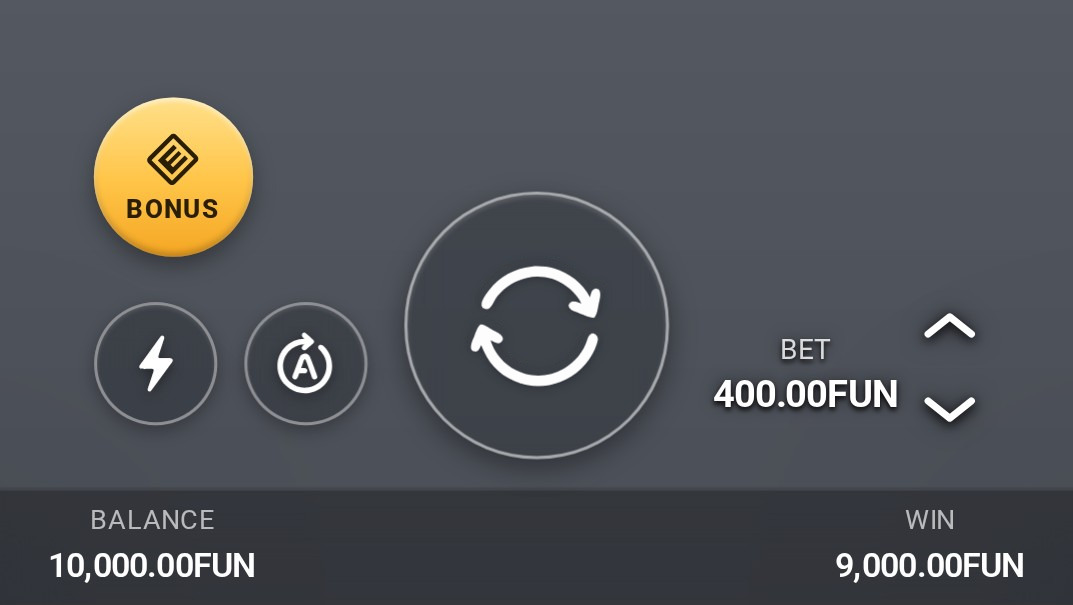
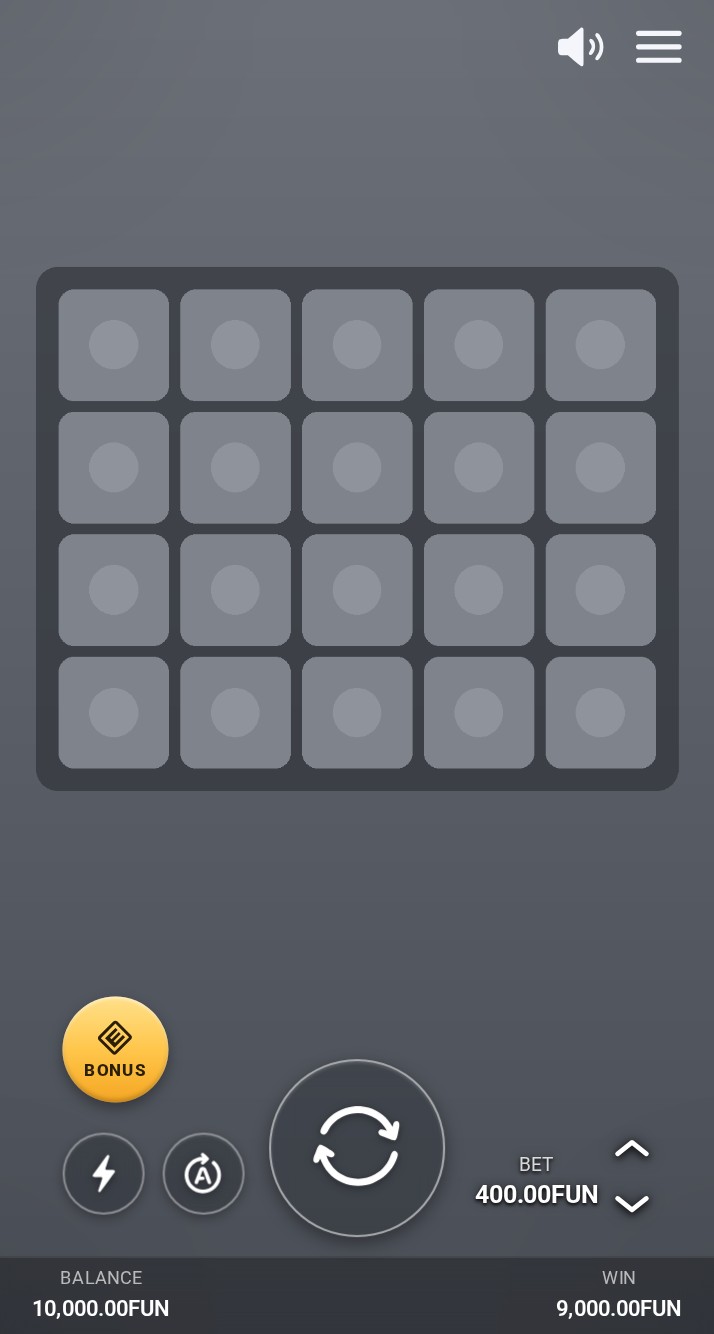
Portrait is its own layout, not a squeezed landscape. Spin is centred and largest, turbo and autoplay sit beside it, the bet adjusts with arrows next to its value, and the solid black base becomes a slim bar for balance and win.
 DETAIL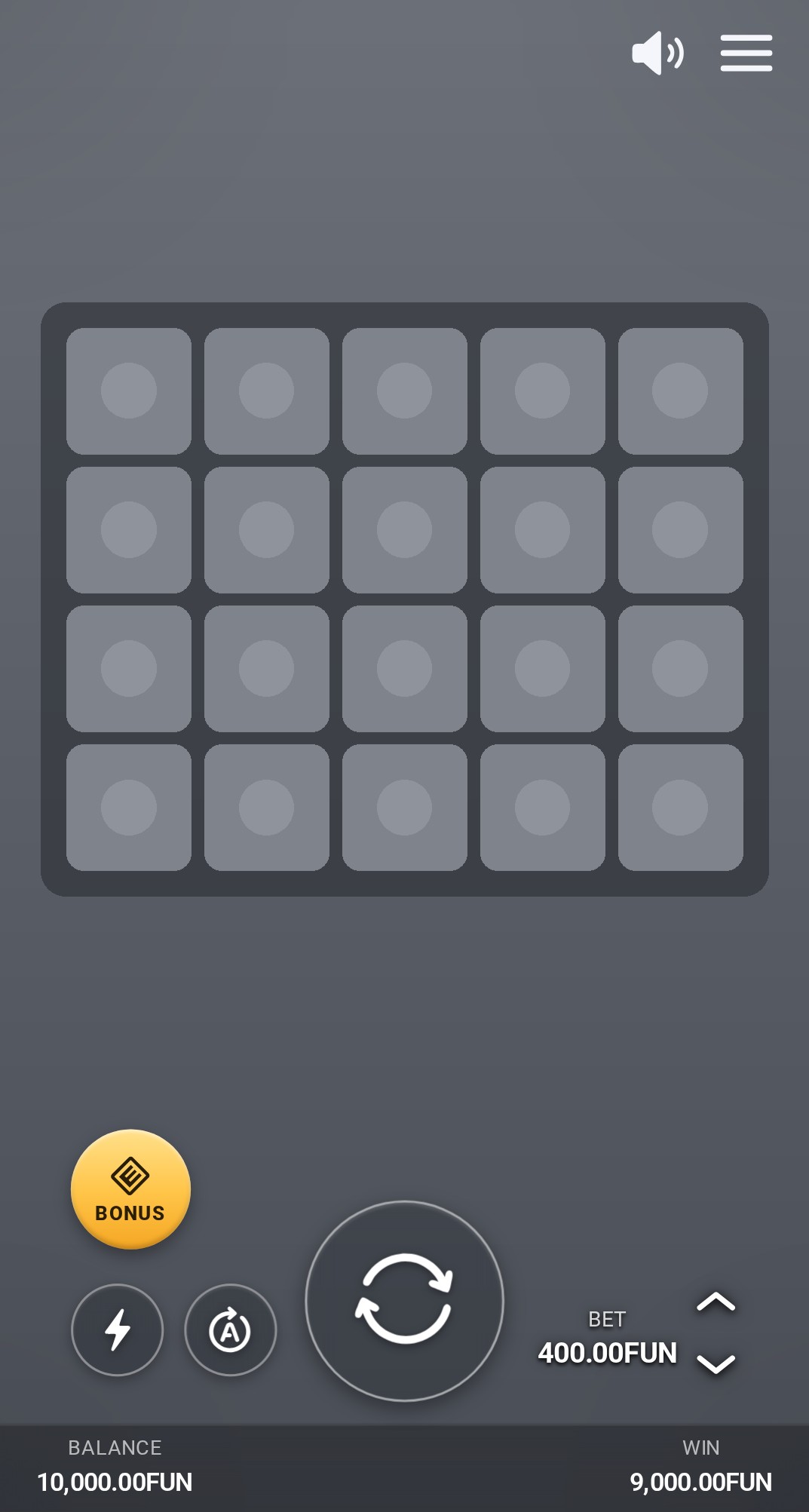
 DETAIL
I wanted the menus to feel more modern and connected to the game. Instead of replacing the entire screen with black, I designed floating panels over a softly blurred background, keeping the game visible even when a menu is open. This creates a smoother, more continuous experience, without making players feel like they’ve left the game. I also brought the paytable, settings and game history together into one tabbed panel for easier navigation.
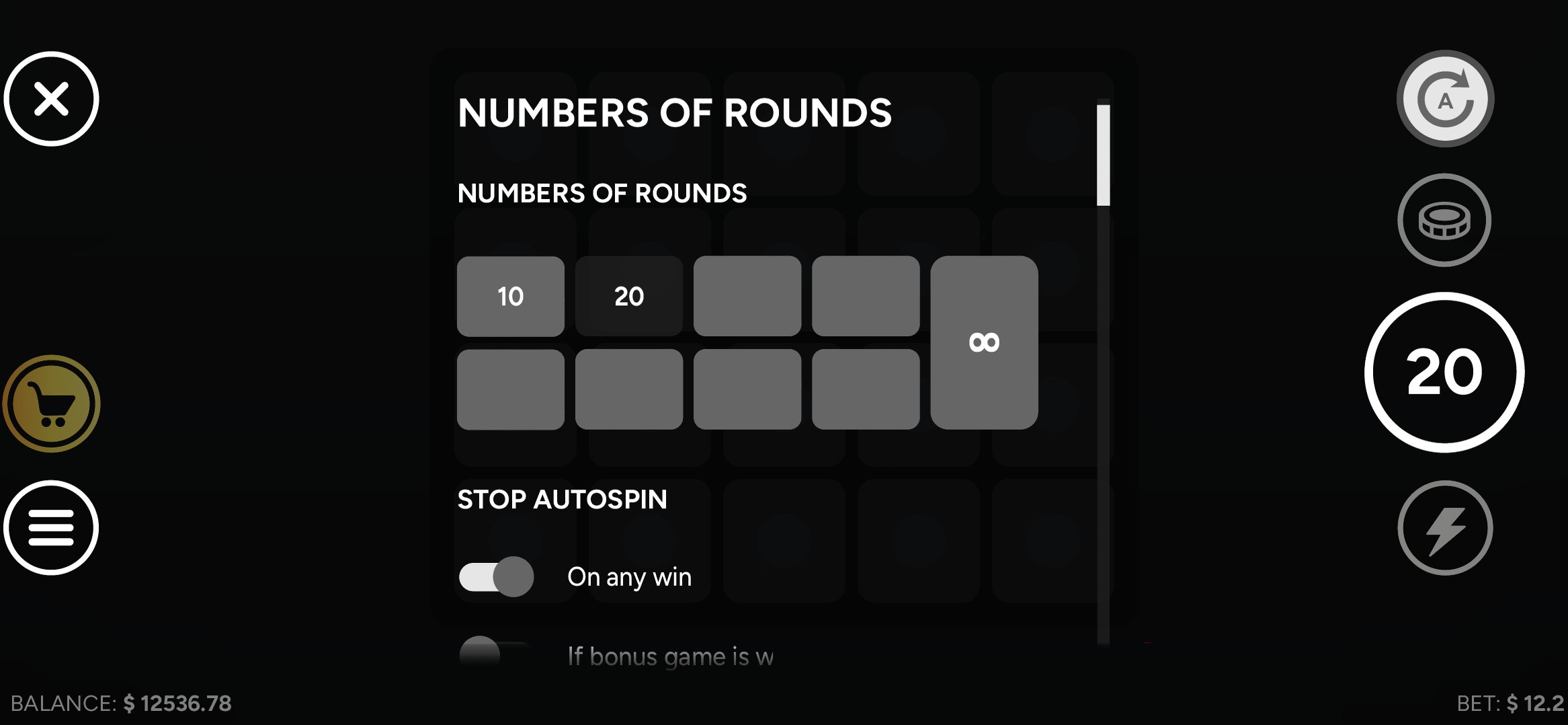 The original interface had no desktop layout · its phone landscape screen is shown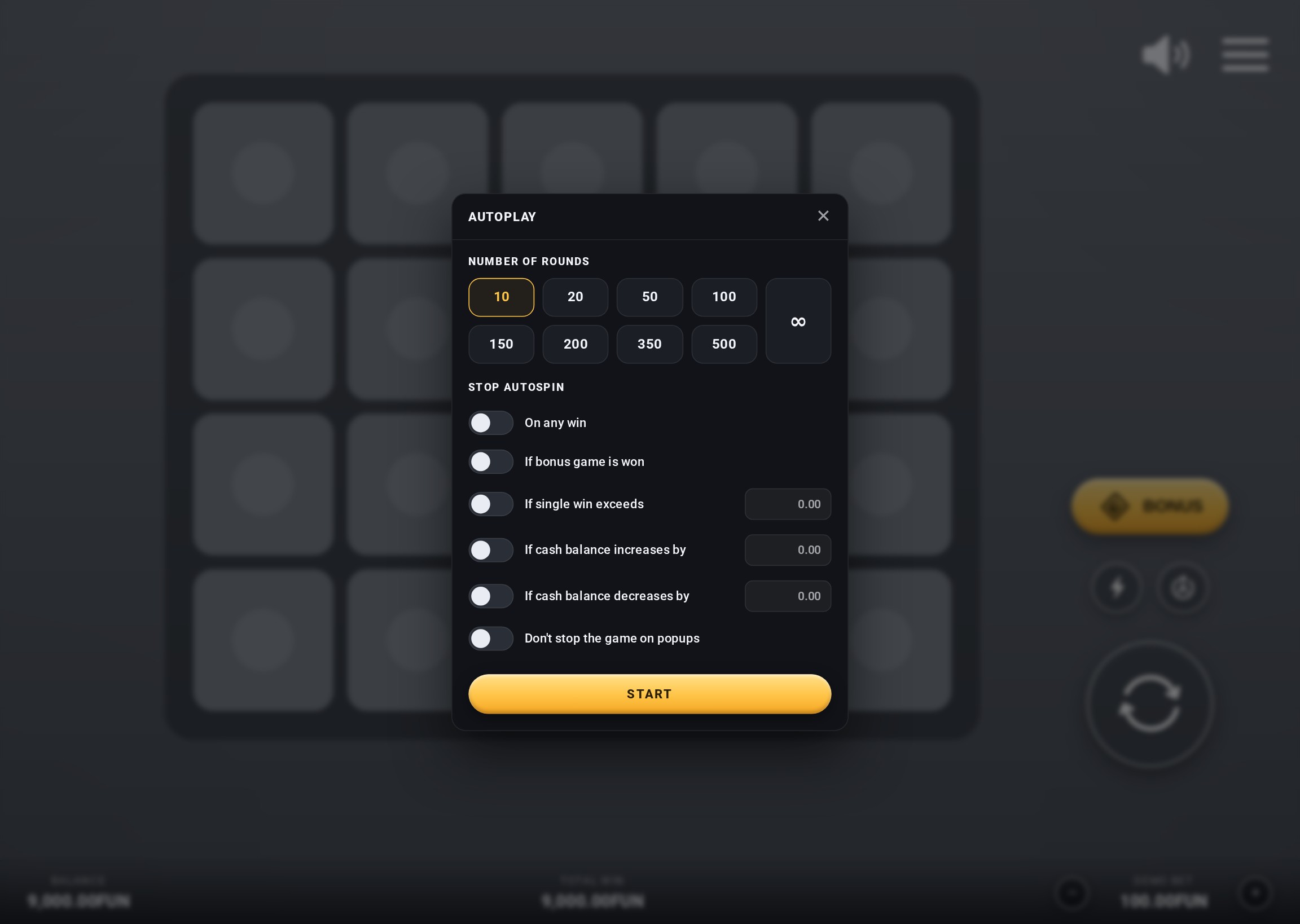
BEFORE A full-screen panel over a darkened game.
AFTER A dialog with round options in one grid and stop conditions as labelled toggles with amount fields.
 The original interface had no desktop layout · its phone landscape screen is shown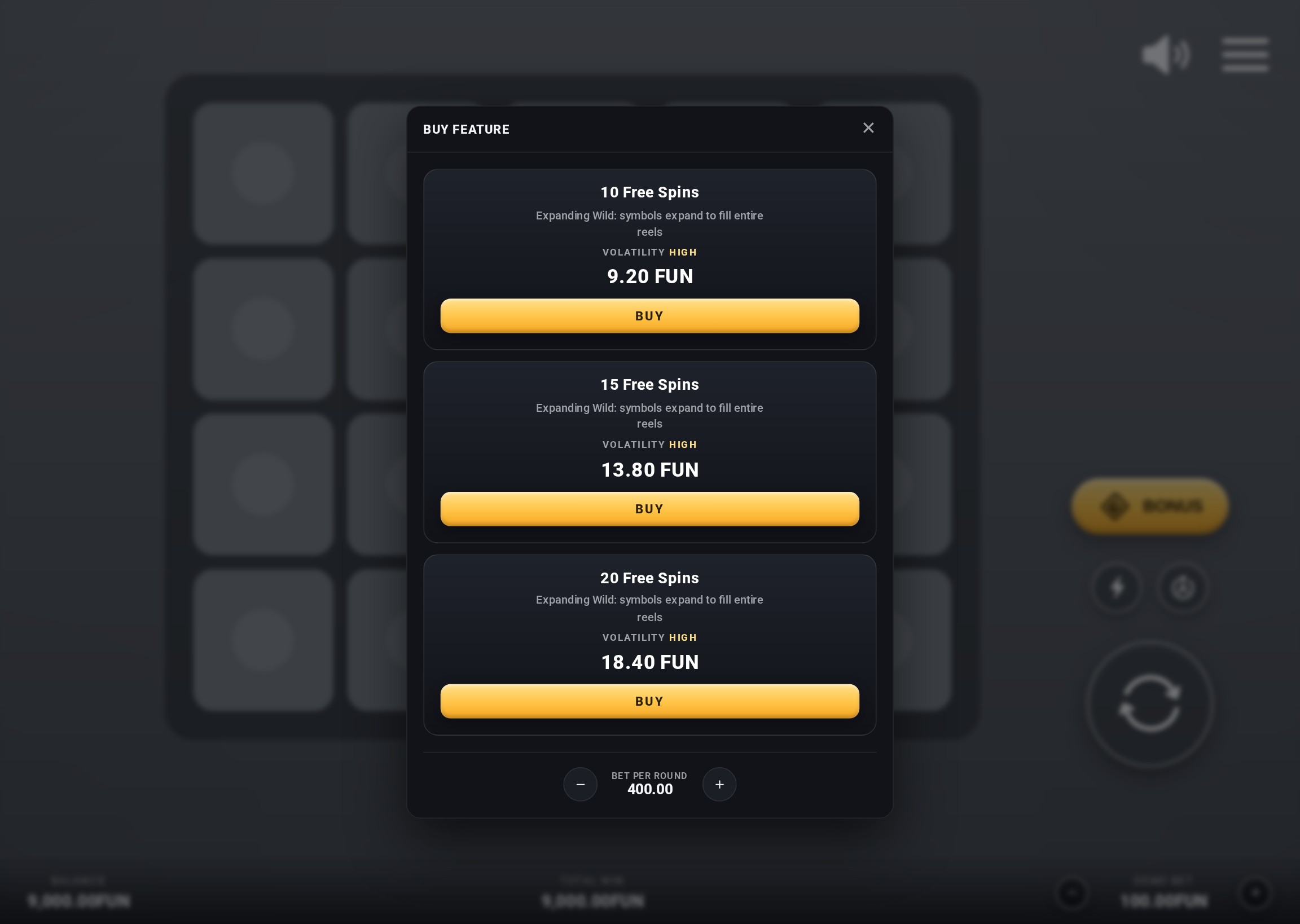
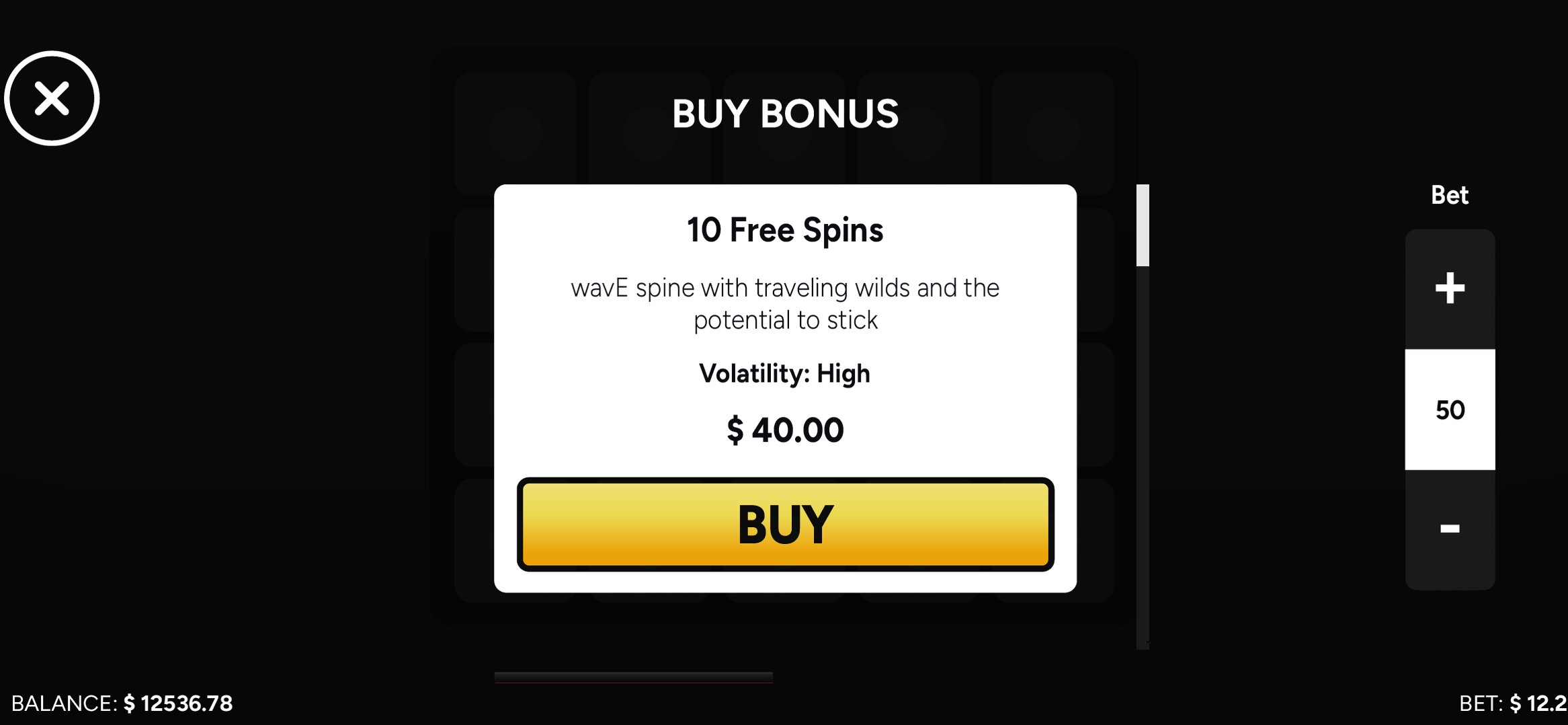
BEFORE One option on a white card, with the bet in a separate column.
AFTER Every option as a card with the same structure: name, description, volatility, price and a Buy button. Names and prices are placeholders.
 The original interface had no desktop layout · its phone landscape screen is shown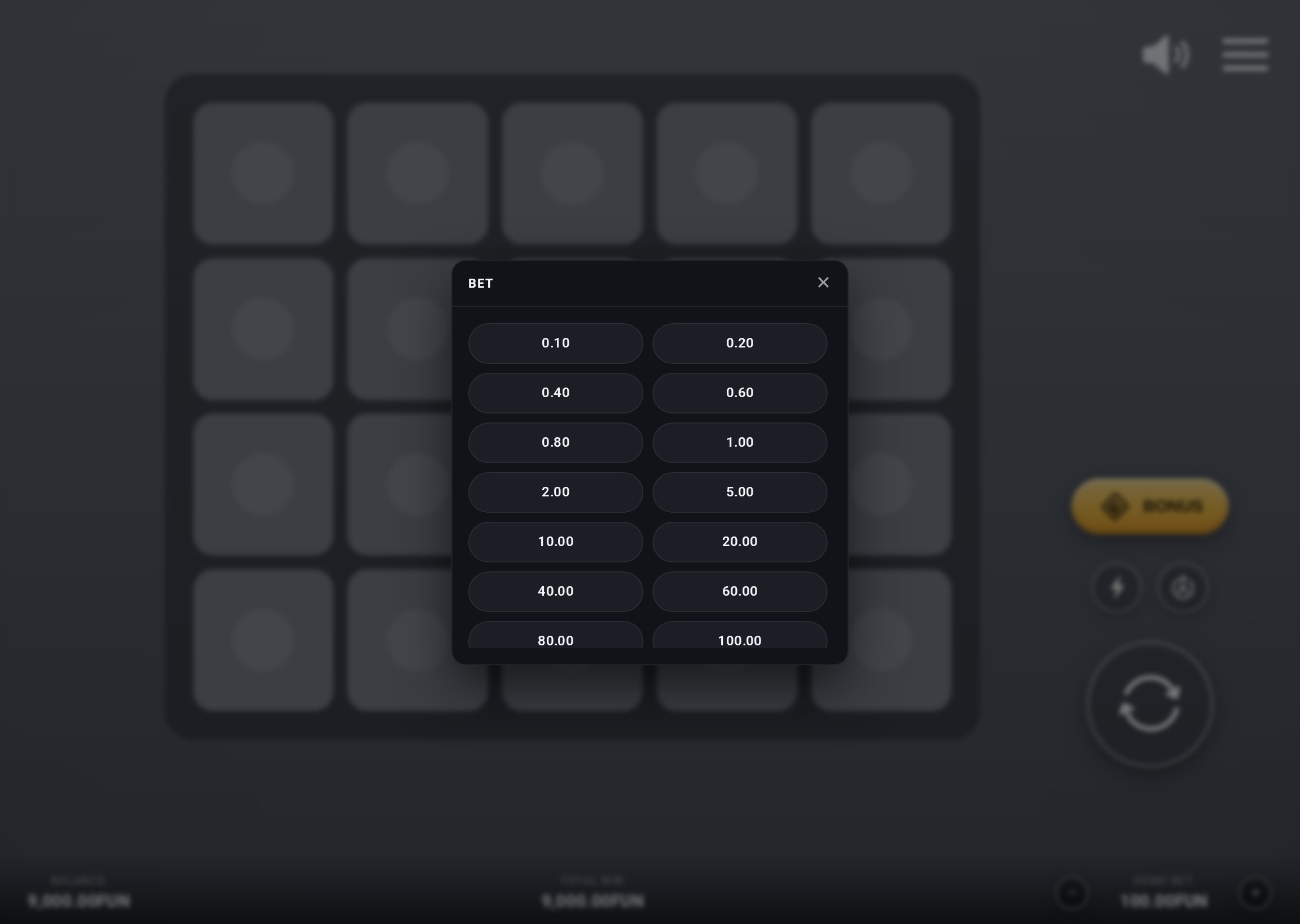
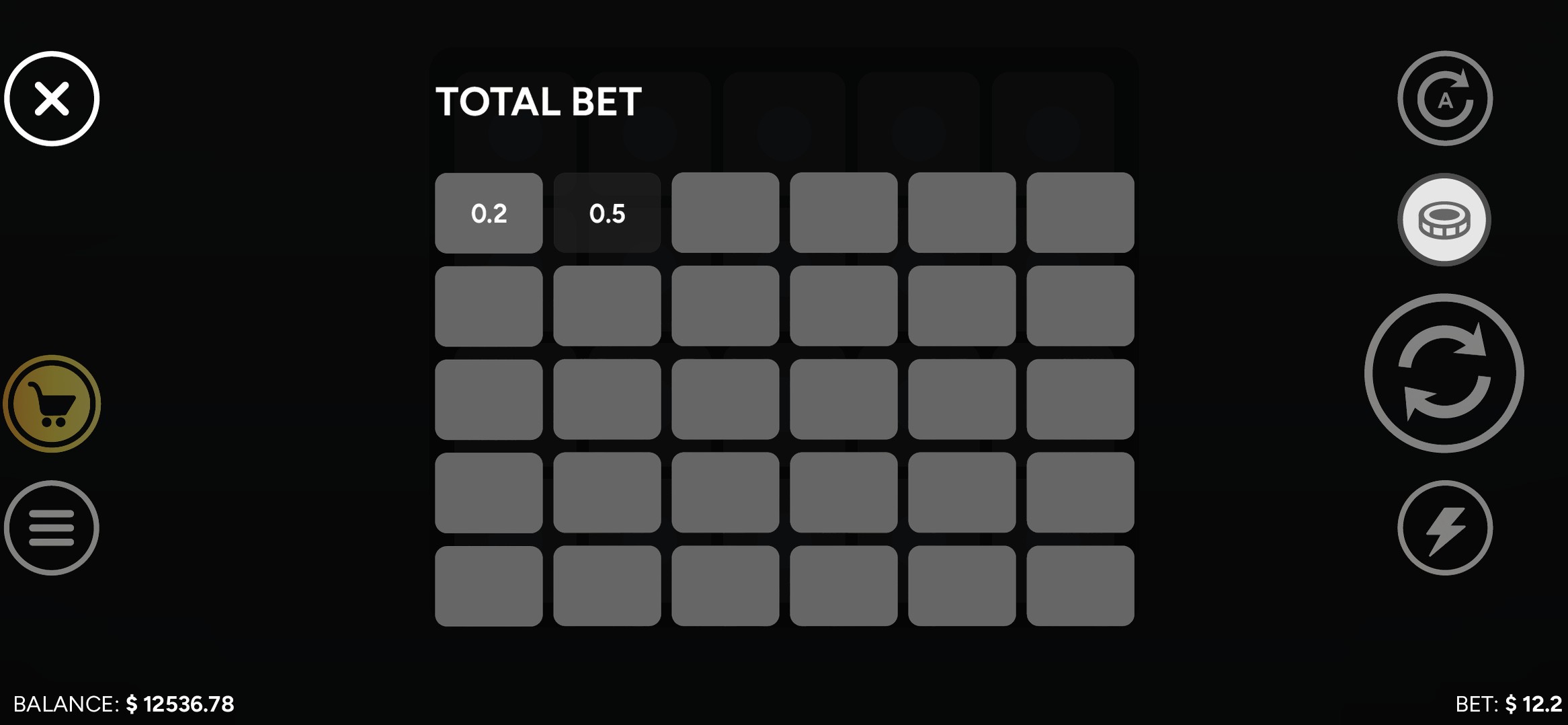
BEFORE Bet values in a full-screen grid.
AFTER A bet dialog opened by tapping the bet value; small changes use the steppers on the main screen.
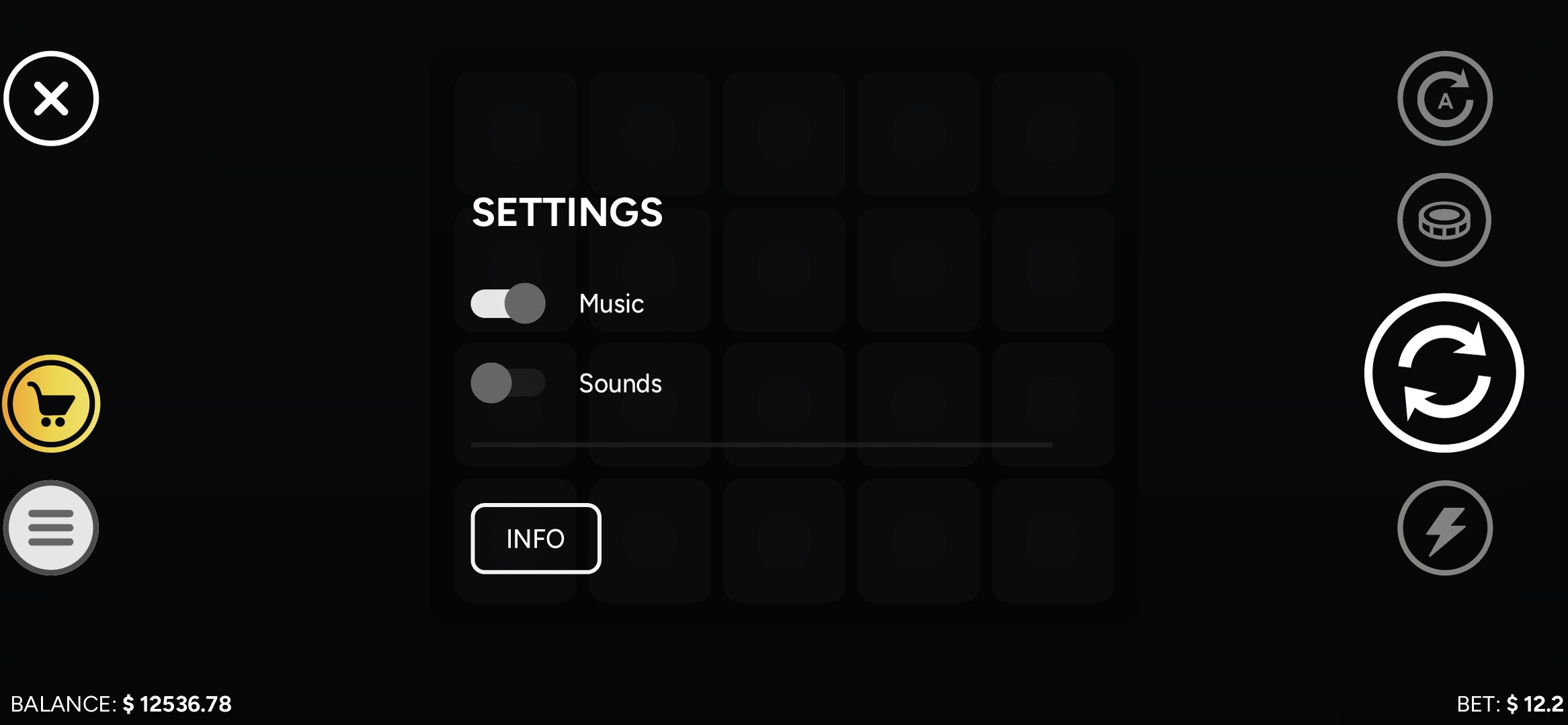 The original interface had no desktop layout · its phone landscape screen is shown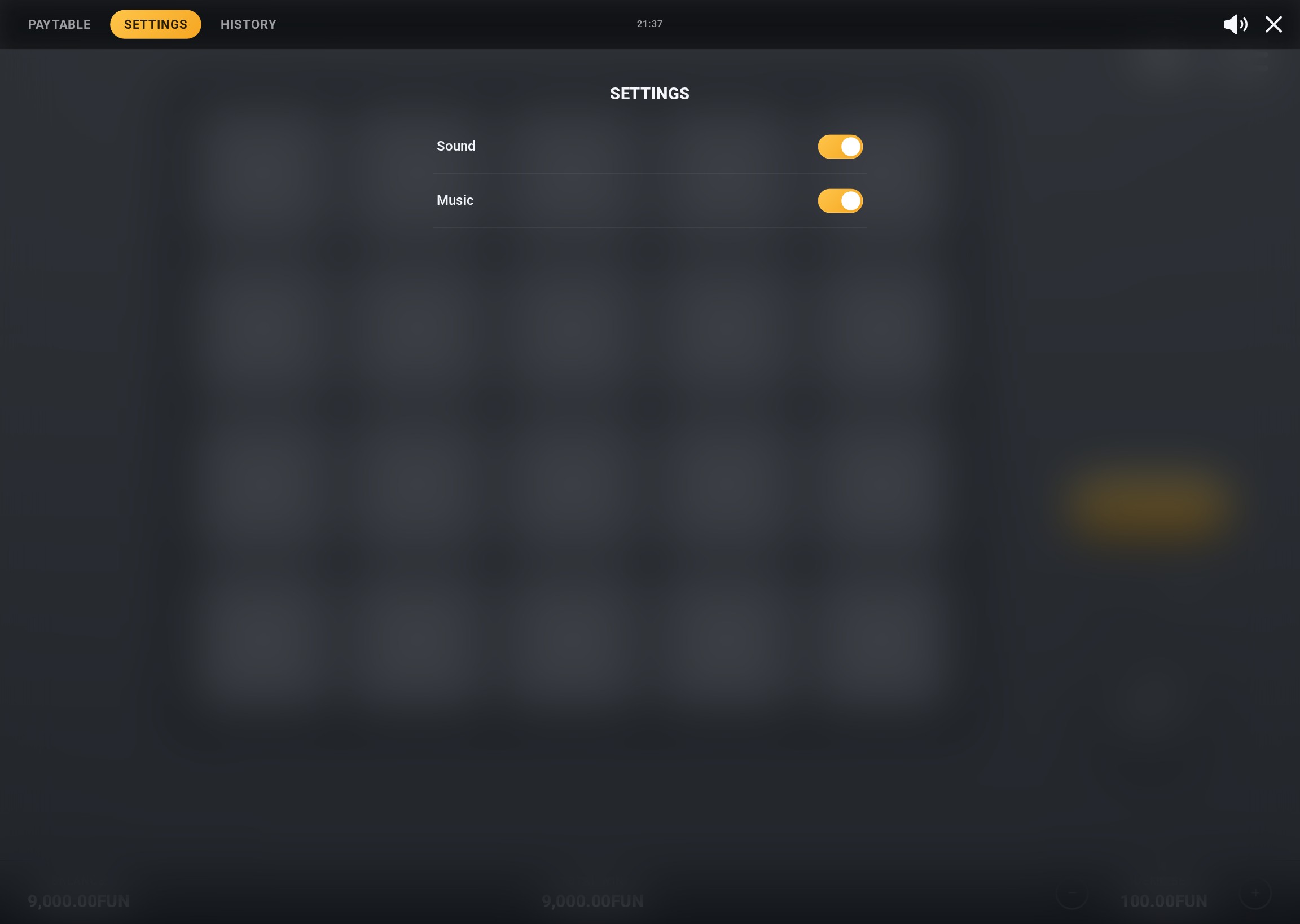
BEFORE Music and sound toggles, with game info behind a separate button.
AFTER Paytable, settings and history as three tabs of one panel.
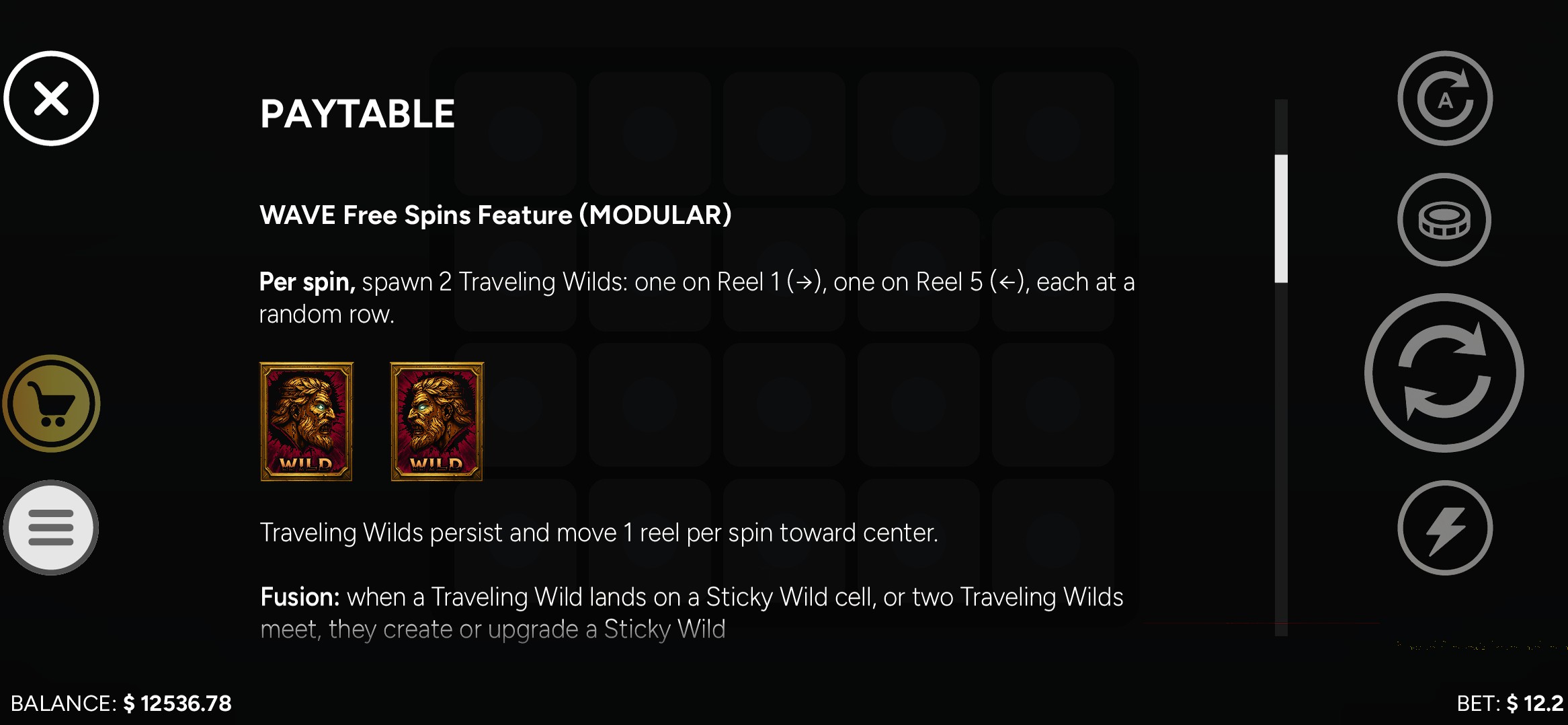 The original interface had no desktop layout · its phone landscape screen is shown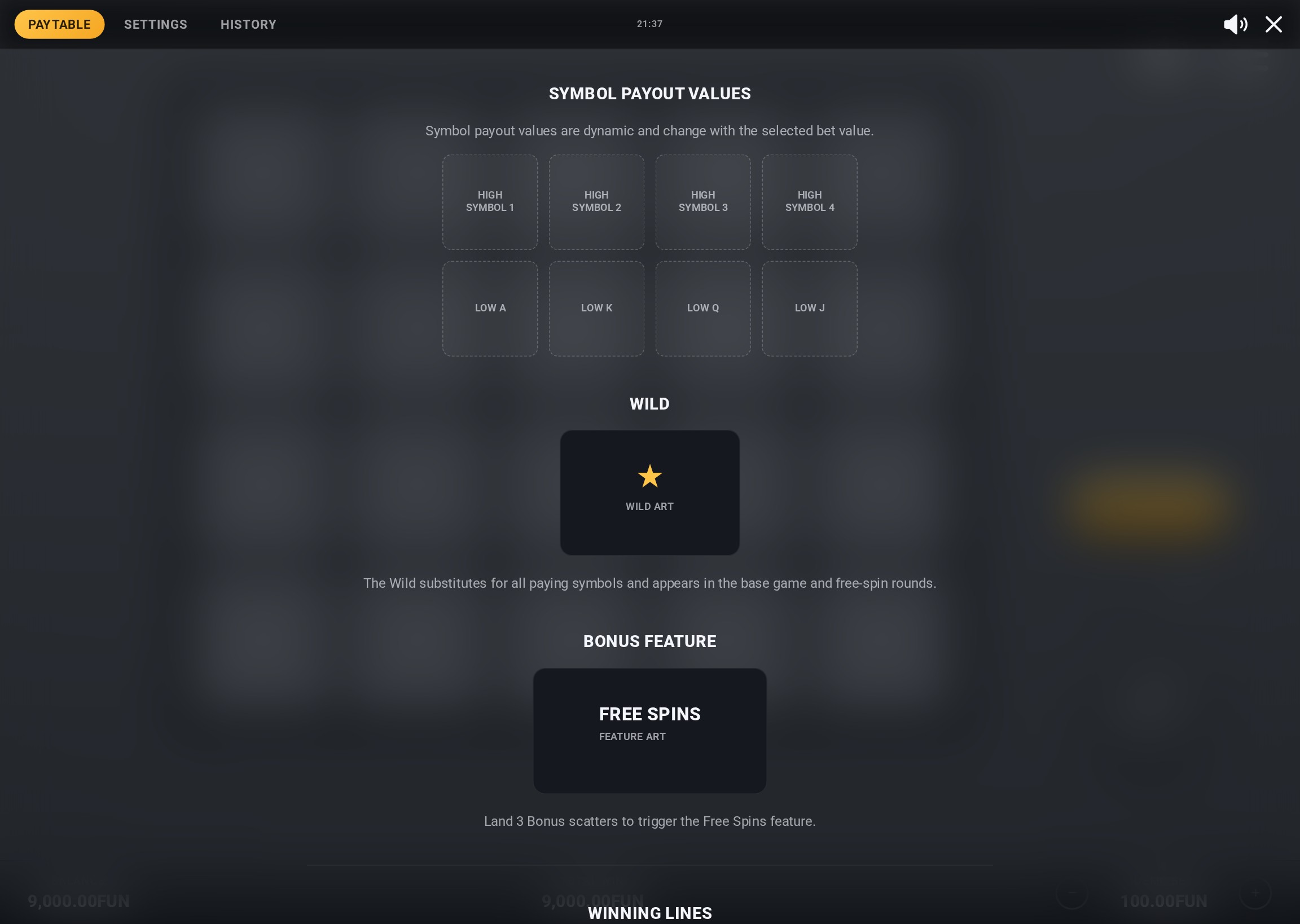
BEFORE Feature rules as text on a black screen.
AFTER The paytable template with clear section headings. Symbol tiles are placeholders filled for each game.
No equivalent screen in the original interface files.
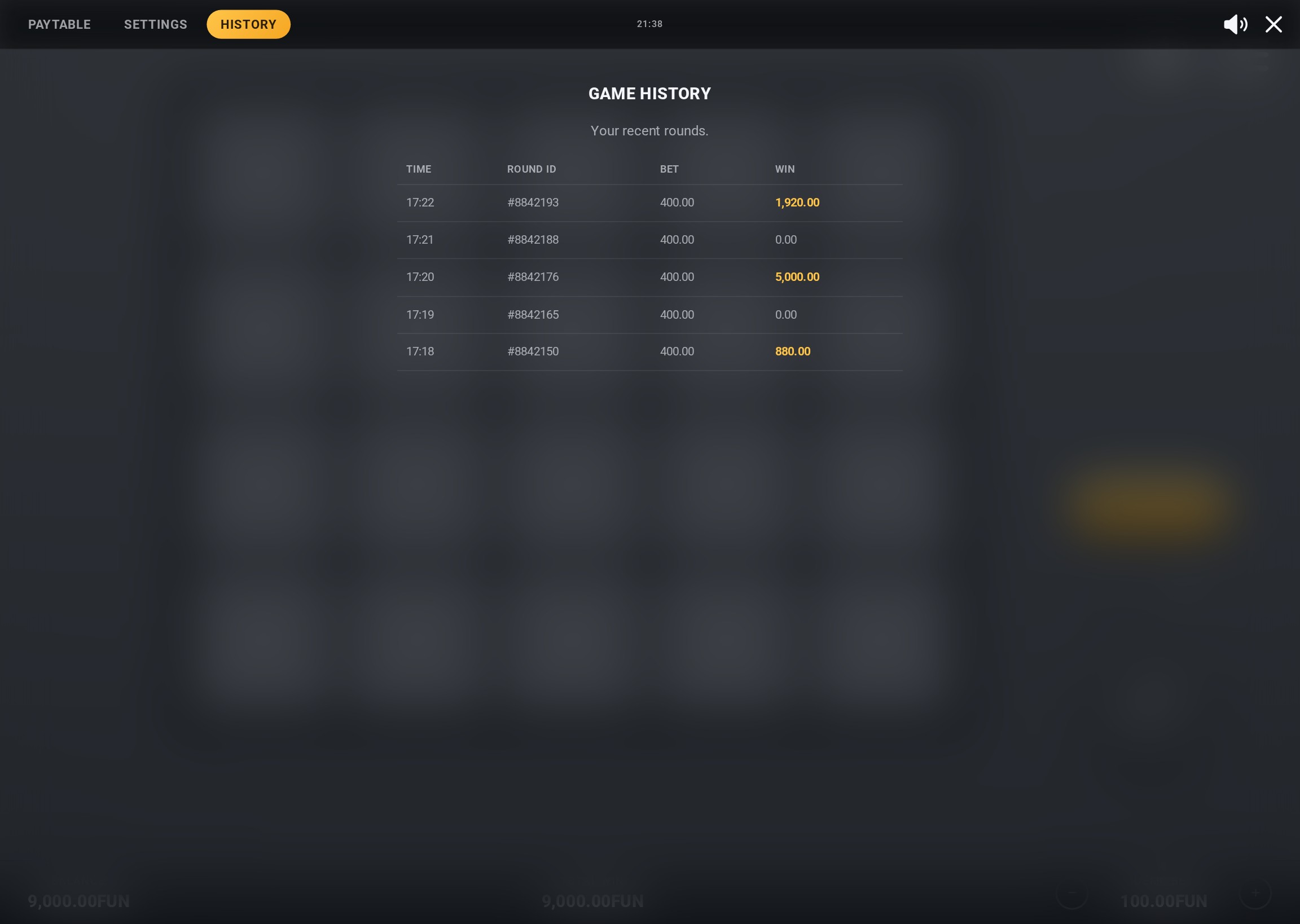
BEFORE No equivalent screen in the original interface files.
AFTER Recent rounds with time, round ID, bet and win. Rows are sample data.
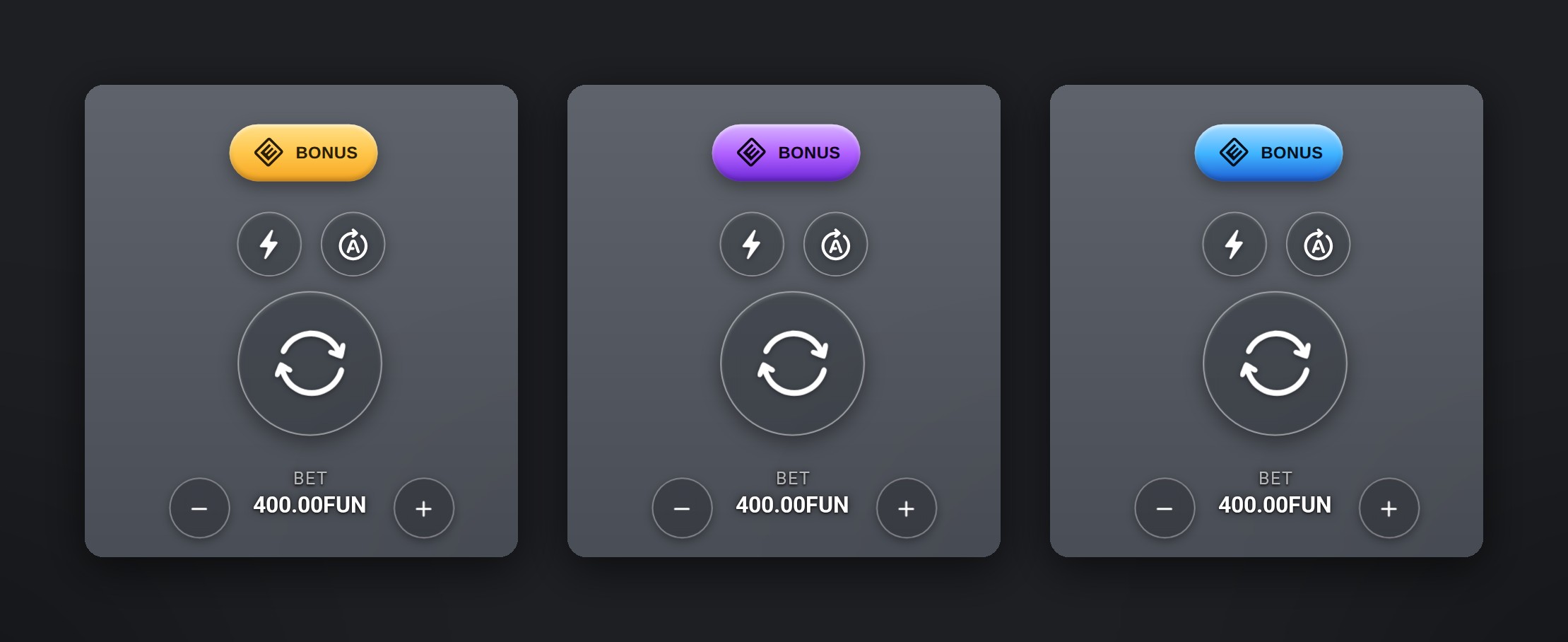
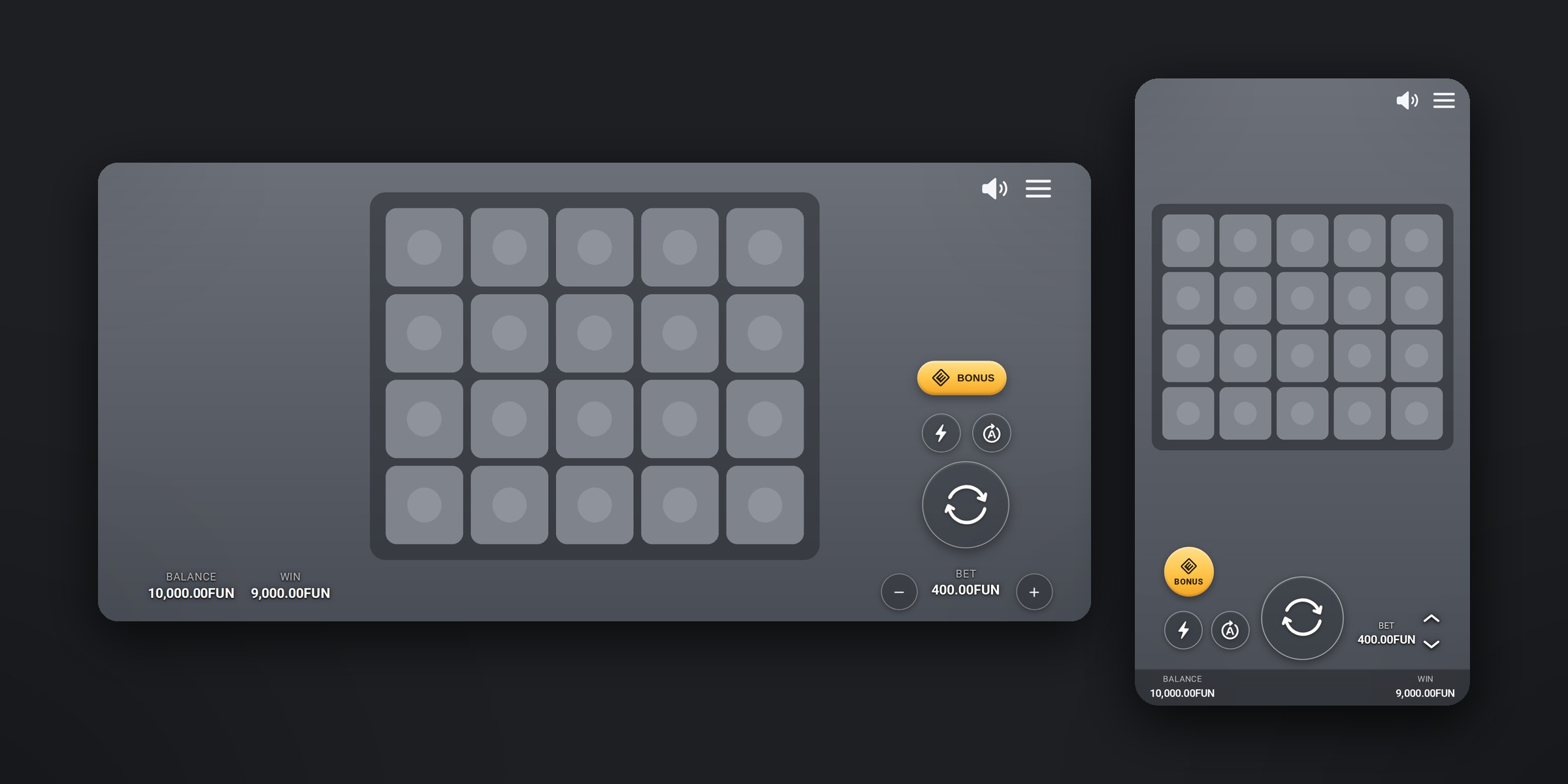
Every control is neutral glass except Bonus, whose colour comes from design tokens. Switching the theme re-skins the interface to suit a game.
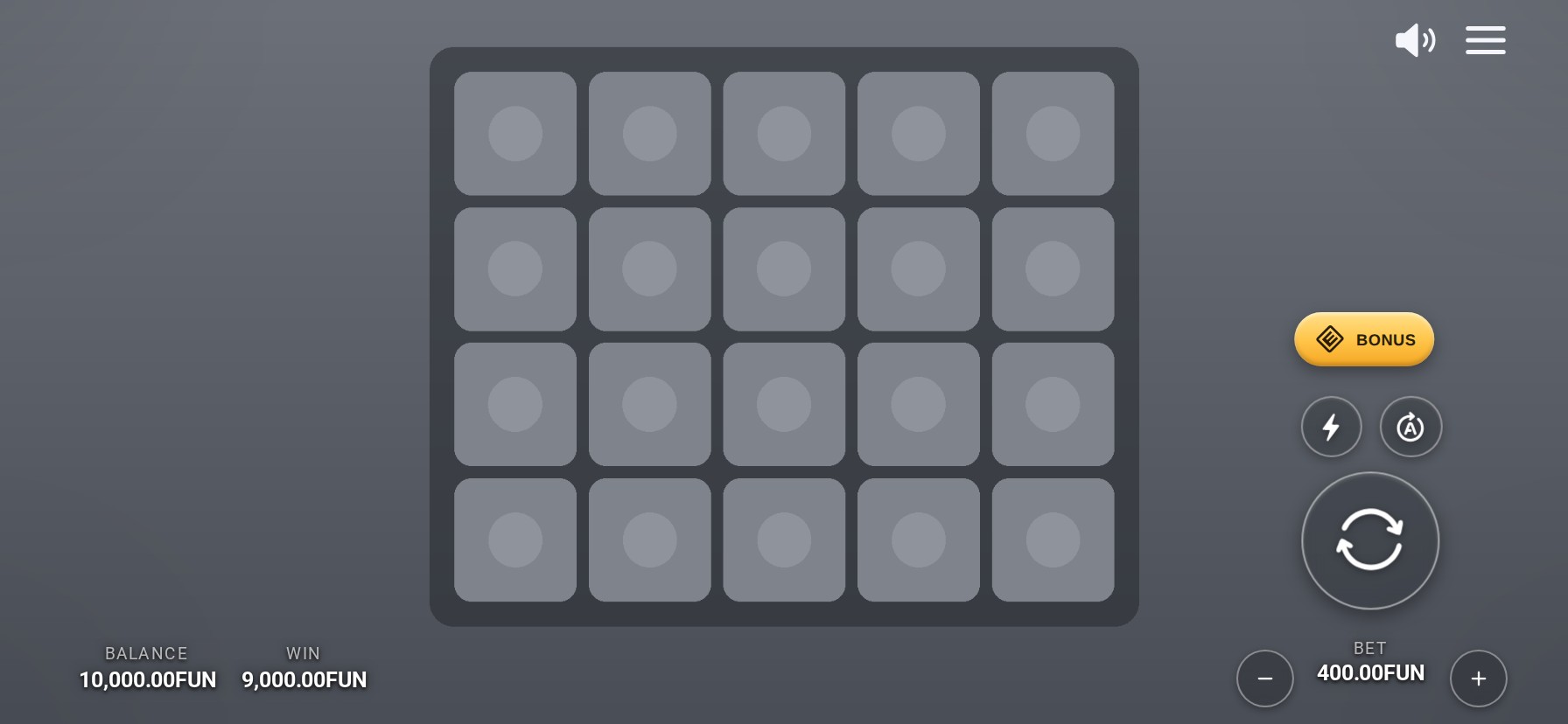
Desktop, phone landscape and phone portrait each have their own arrangement of controls rather than one layout scaled up or down. The prototype covers five screen sizes.
DESKTOP
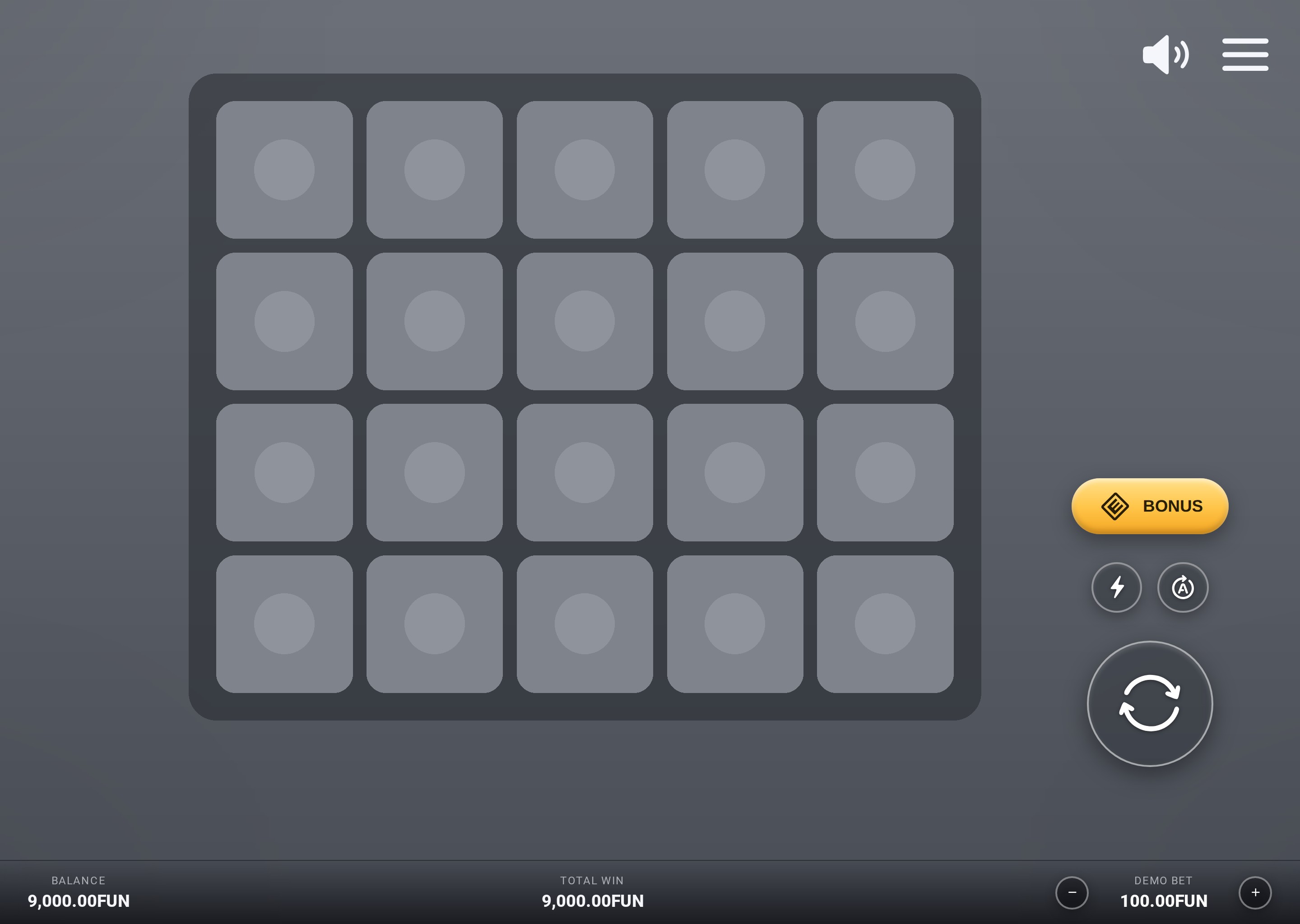
PHONE · LANDSCAPE
PHONE · PORTRAIT
Less interface,
more game.
LIGHTER
Translucent controls with a clear hierarchy, so the artwork stays in view.
GROUPED
Frequent actions gathered together, close to Spin.
SYSTEMATIC
One set of controls and dialogs, re-skinned for each game through one theme setting.